
Troubleshooting an Industrial AC Motor
Background
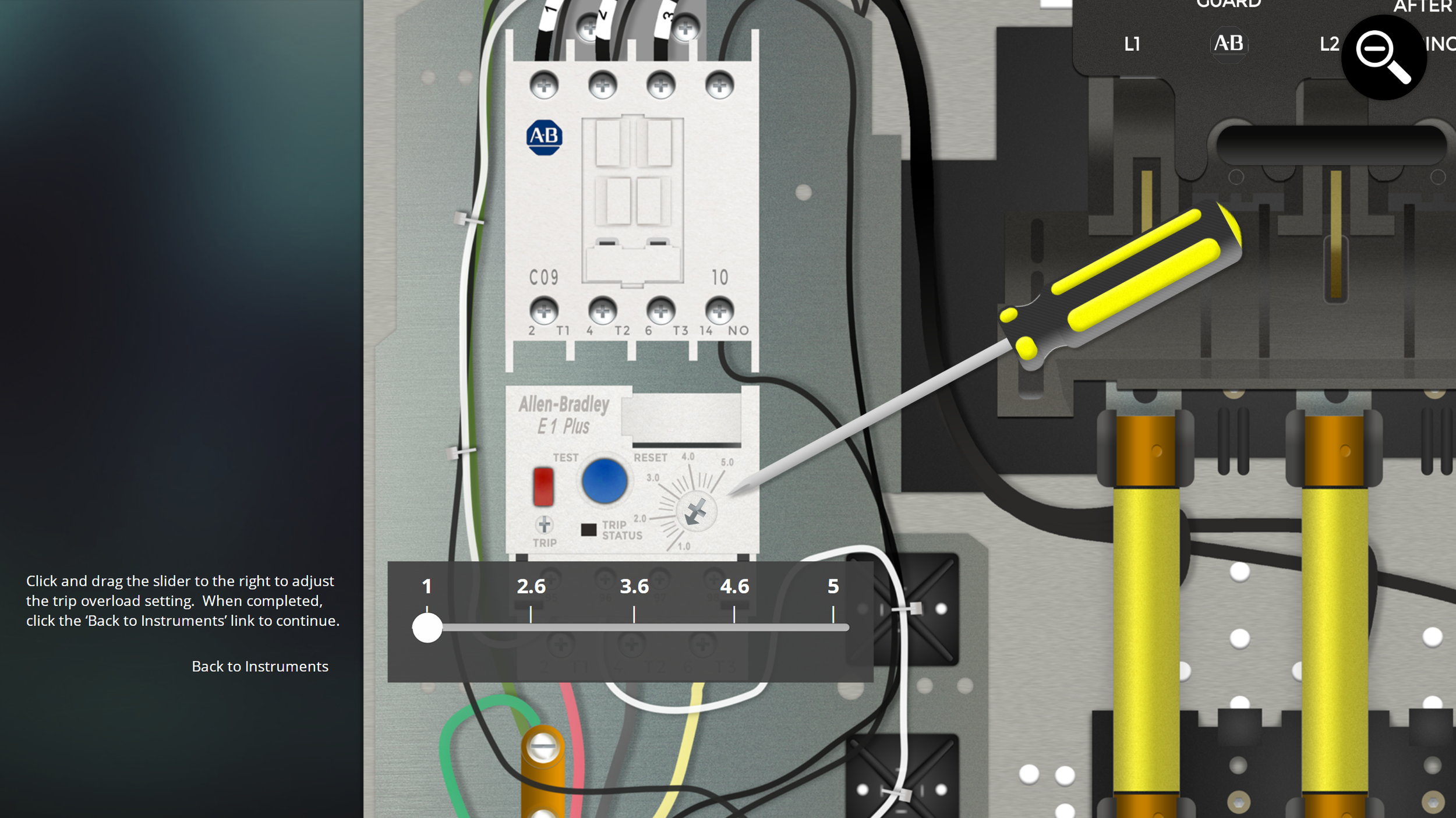
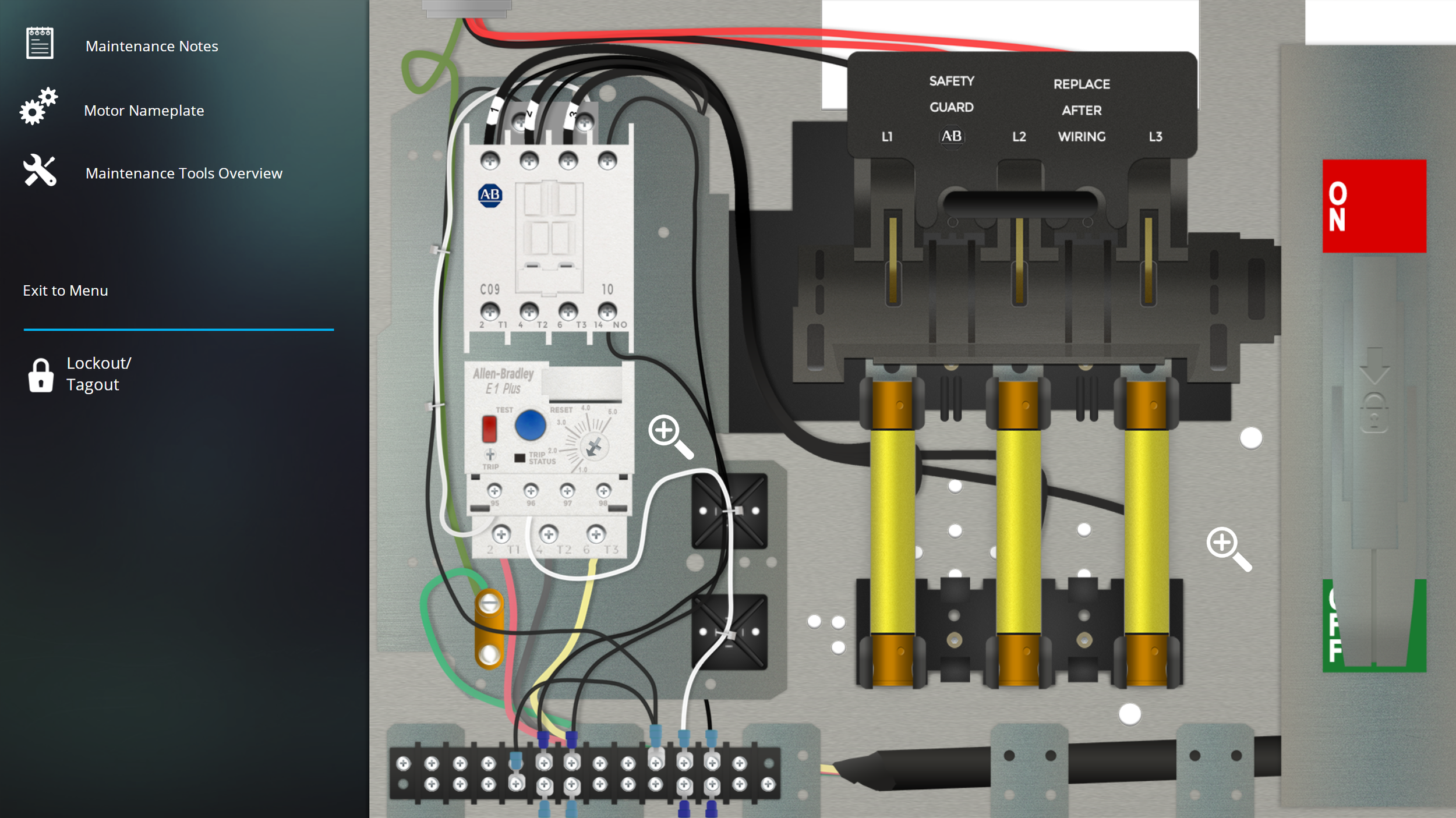
The International Society of Automation requested the development of a proprietary interactive online simulation that provides a safe and immersive environment for learners to practice effective communication, determine correct versus incorrect wiring procedures, and go through a series of troubleshooting steps to determine various causes of an electrical trip (e.g., incorrect and/or damaged wiring, overload condition caused by the machine that a motor is attached to, bad fuses and/or breakers, bad winding in the motor, and more). A major requirement of this project was to recreate an industrial motor control unit and measurement tools (i.e., multimeter, probes, swivel clamp meter, locks, tags, etc.) in Adobe Photoshop and Adobe Illustrator. This was a large custom graphics development job, and it was needed to allow for a fully accurate and engaging simulation.
Workflow
Simulation Design & Development
Advanced Variables Programming
Illustration
Graphic Design
Video Production & Editing
Audio Narration & Editing
General Project Length: Up to 4 Months
The Result
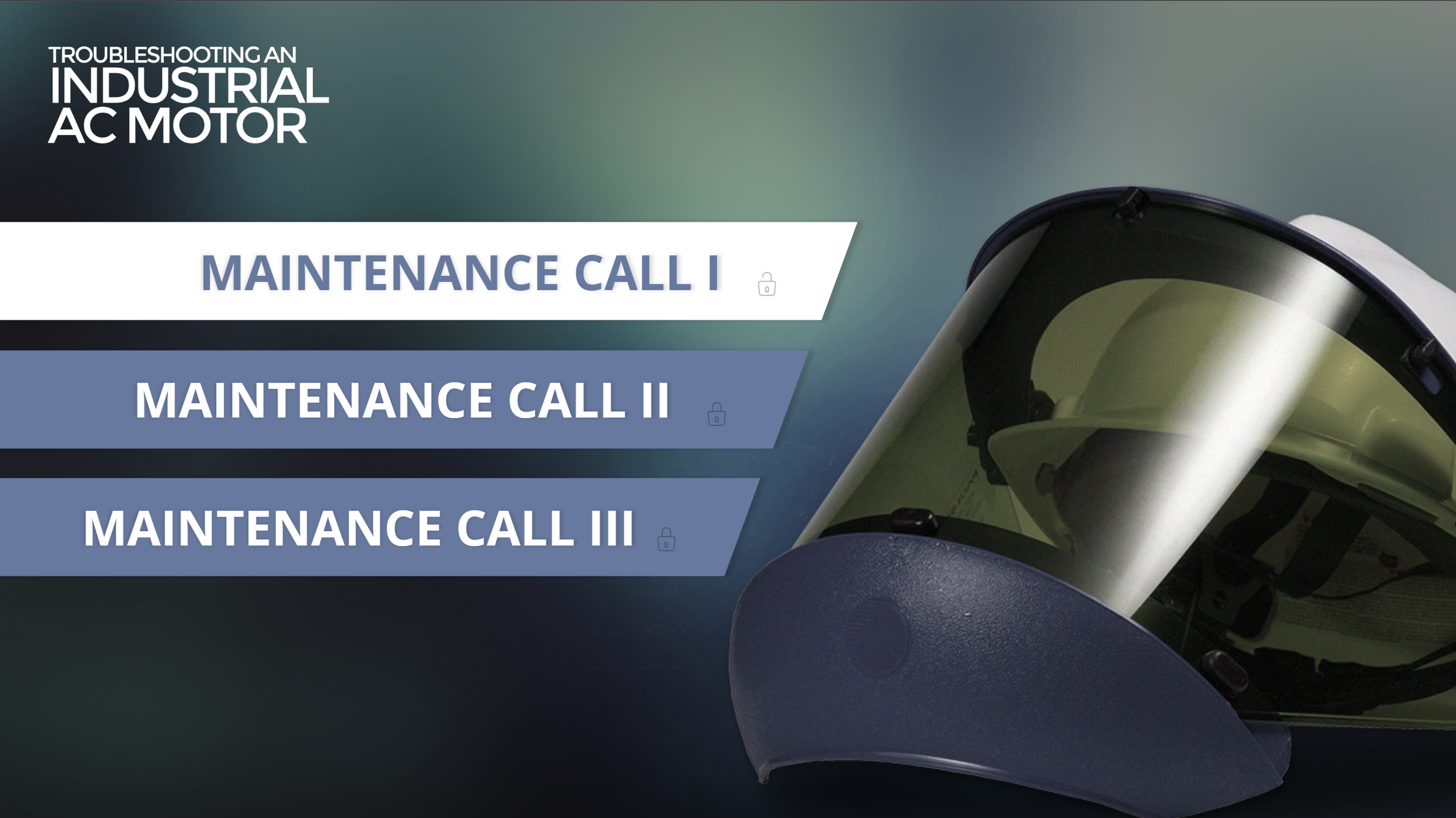
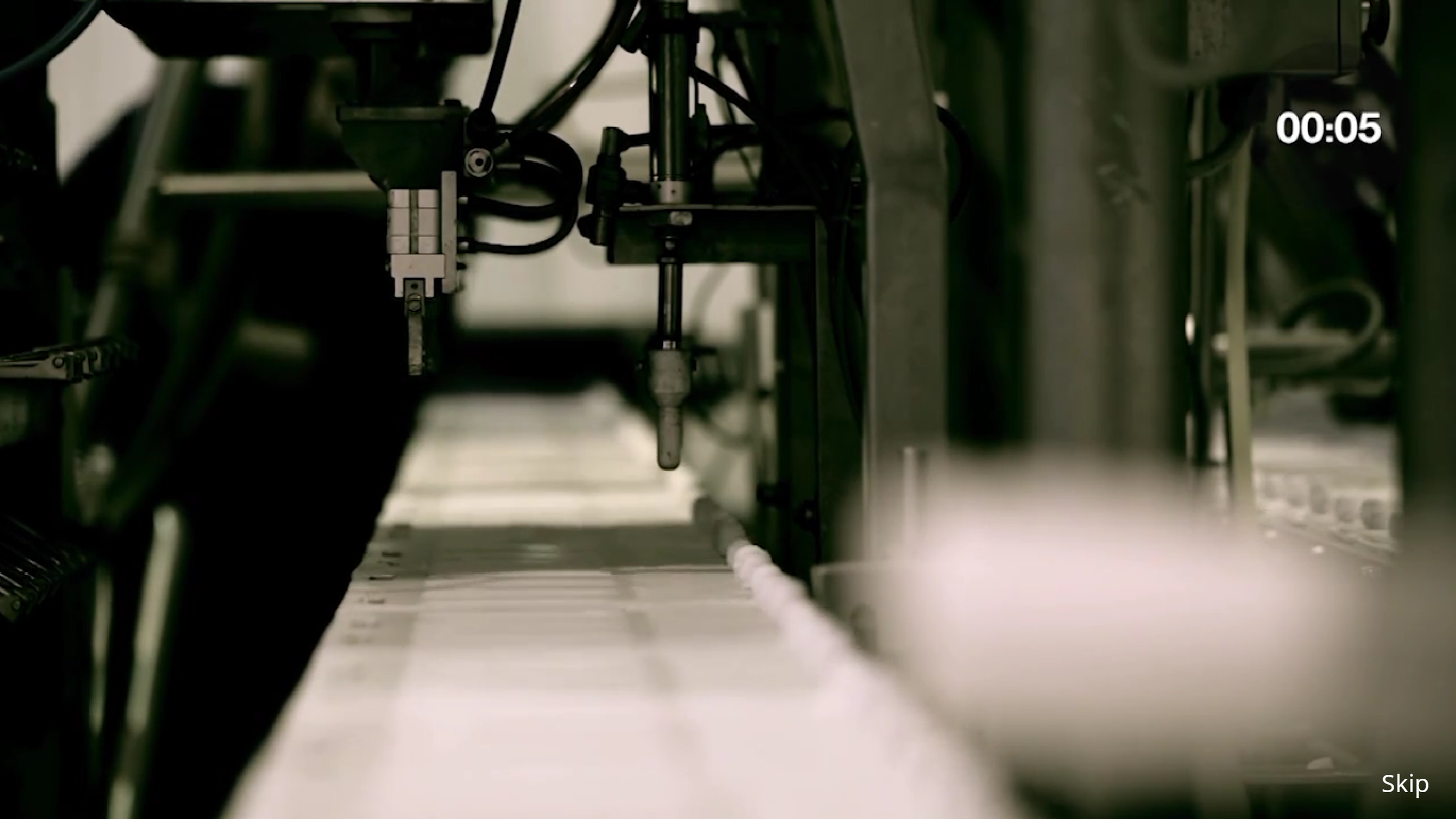
Learners use this highly engaging 3-part simulation in a blended learning environment to work through a series of decision-making processes to troubleshoot, repair, test, and review issues with a malfunctioning factory conveyor that normally moves a line of frozen treats.
While interacting with this simulation, learners are:
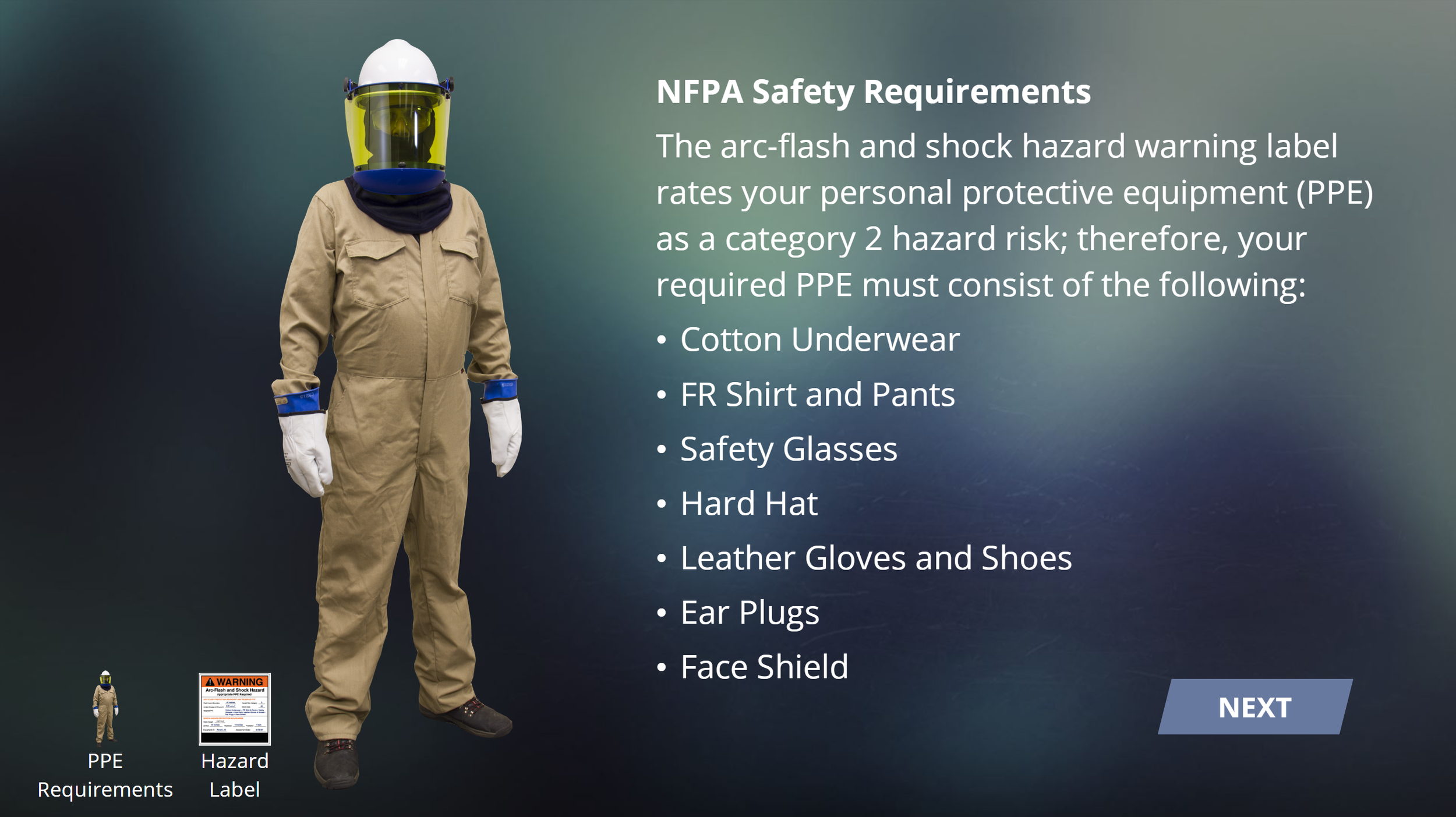
Reminded to follow safety protocol to avoid a hazard
Prompted to view and carefully examine technical labels and diagrams to effectively service the industrial AC motor
Given the opportunity to test various components to read electrical measurements
Allowed opportunities to fail in a safe environment
Provided useful feedback throughout the exercise to help with critical thinking
Allowed opportunities to test their work by safely closing the motor control unit before testing.
Level 4: Complex Interaction Workflow
The standard design, development, and implementation of one eLearning solution of complex interaction includes:
Branded user interface
Complex variable and trigger programming
Character persona included to formally guide each lesson
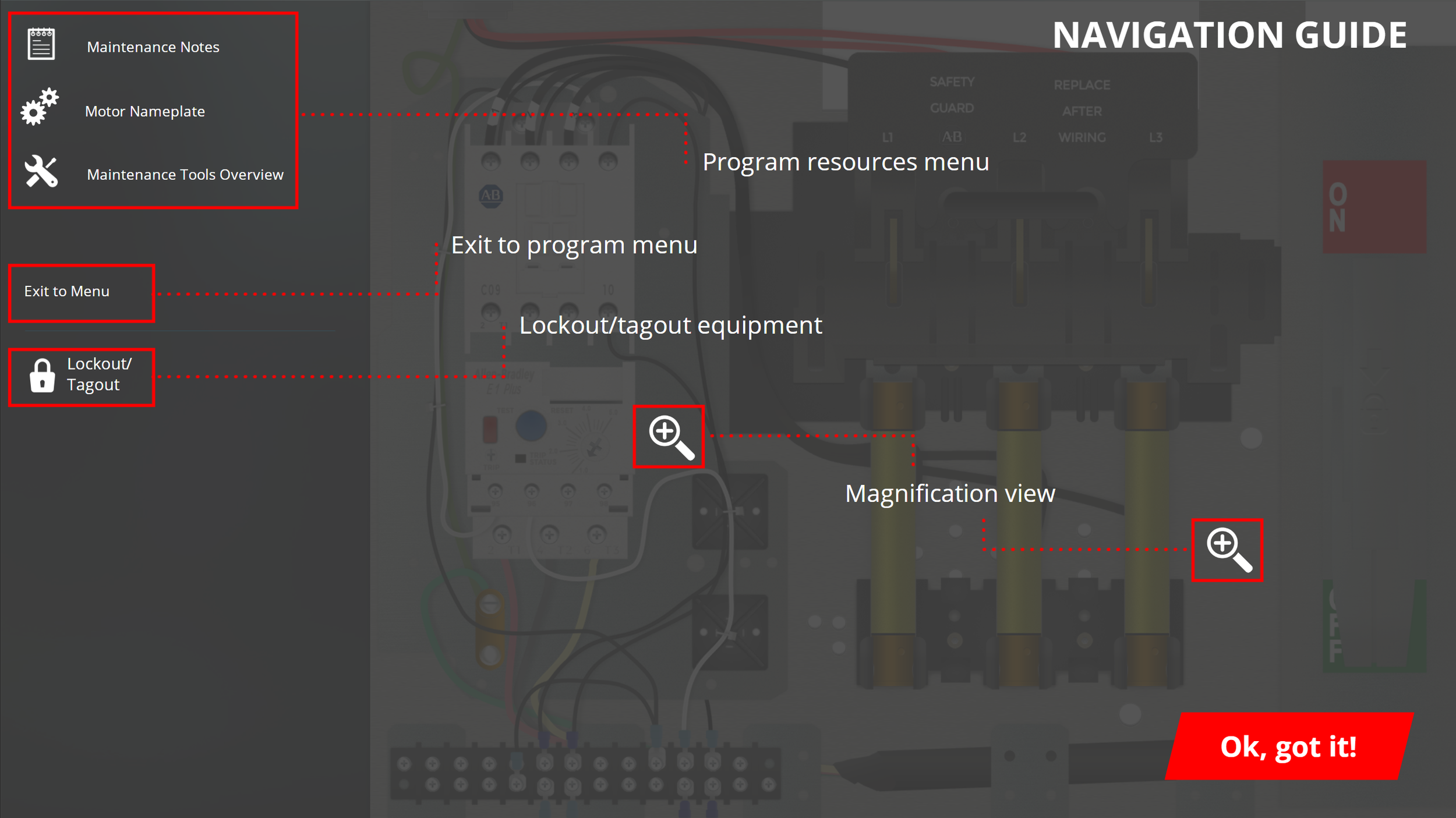
Custom navigation
Custom UX (user experience) design
Interactive knowledge check and post-assessment questions with detailed feedback (e.g., drag-and-drop, matching, hotspot, free-form, and other interactive question types)
Custom interaction development (e.g., drag-and-drop, hotspot, click and reveal, 360 degree environments, tabbed interaction, media gallery, carousel gallery, etc.)
Professional photography, including 360-degree photography and interactive design
Professional video planning, production, and post-production
Repurposed learning design for instructor-led training, on-the-job training, in-person evaluation, etc.
Professional audio narration
Stock images
Embedded video
Learner evaluation
Custom completion status indication for each lesson within the module, Section 508 compliance